


Download Teclado a Voz – Voice Key Feedback, Accessibility Tool, Assistive Technology
Overview
Teclado a Voz is a specialized mobile application developed to support individuals with visual impairments in navigating digital environments more independently. Designed as a voice feedback tool, it provides real-time auditory confirmation of key presses, enabling users to type and interact with their devices without relying on visual cues. The app functions as a bridge between the user and their device’s keyboard, announcing characters, symbols, and special keys as they are pressed. This functionality is particularly valuable for those who face challenges in visually identifying keys or navigating complex interfaces.
By offering a low-cost alternative to proprietary assistive software and specialized hardware, Teclado a Voz addresses a critical gap in accessible technology. It empowers users to perform essential digital tasks such as composing messages, filling out forms, and browsing the web with greater confidence. The application is especially beneficial for students, professionals, and everyday users who rely on digital tools but require auditory support for accurate input.
Although the developer did not provide additional background information, the app’s longevity—first released in 2013—suggests a sustained commitment to accessibility. Its continued relevance highlights its role in the broader assistive technology ecosystem. The tool exemplifies how simple, focused applications can deliver meaningful impact, especially when tailored to specific user needs.
Key Features & Functionality
- Voice Key Feedback: As each key is pressed, the app audibly announces the character or function of the key. This real-time auditory cue helps users confirm their input without needing to see the keyboard, improving accuracy and reducing errors.
- Text Copying Ability: Users can select and copy text generated through the app, allowing seamless transfer into other applications such as email clients, word processors, or web browsers. This feature enhances workflow efficiency and content reusability.
- User-Friendly Interface: The app features a minimal, accessible interface designed to be intuitive for users of all technical skill levels. Navigation is straightforward, minimizing the learning curve and enabling quick adoption.
- Cost-Free Solution: Teclado a Voz is available at no cost, removing financial barriers to access. This makes it an inclusive option for individuals who may not afford commercial assistive software.
- Enhanced Computer Interaction: By enabling accurate keyboard input through voice feedback, the app fosters greater independence in digital environments. It reduces reliance on sight-based interaction, supporting autonomy in both personal and professional settings.
For example, a visually impaired student can use Teclado a Voz to write a research paper by typing with confidence, knowing each key press is confirmed audibly. Similarly, a professional can compose an email or enter data into a spreadsheet without assistance. These use cases demonstrate how the app integrates into daily digital routines, enhancing productivity and independence.
Interface, UX & Performance
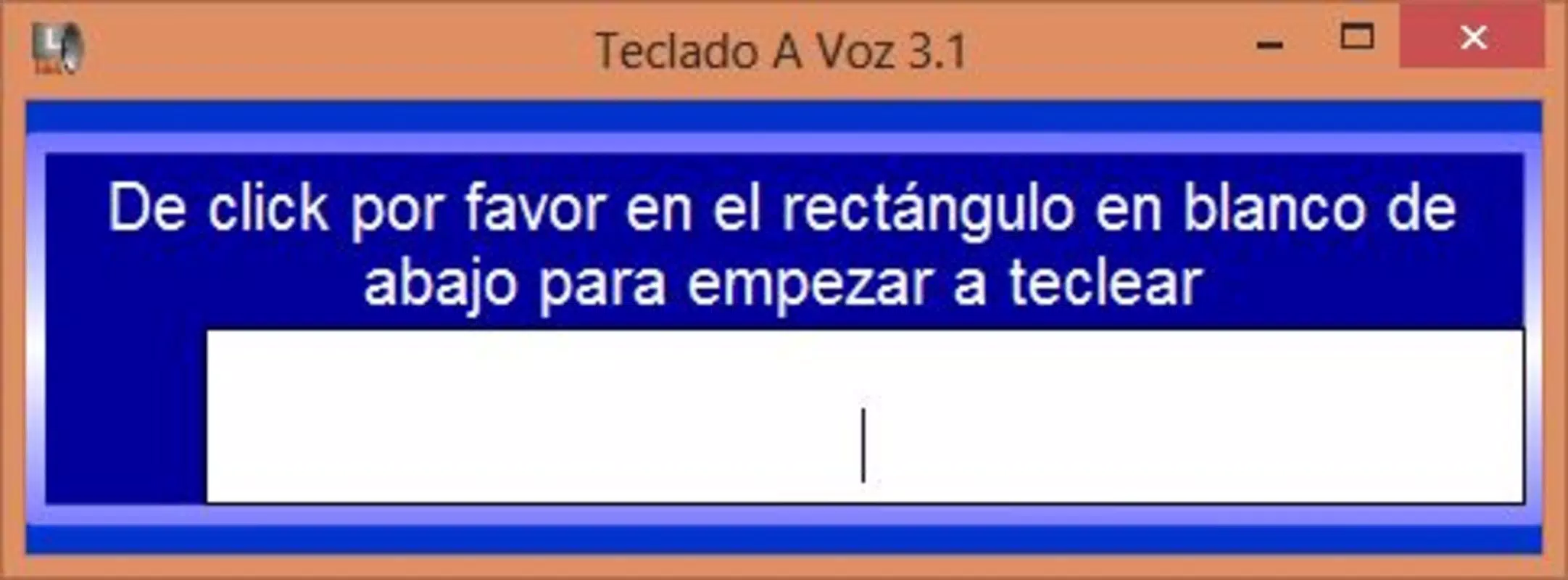
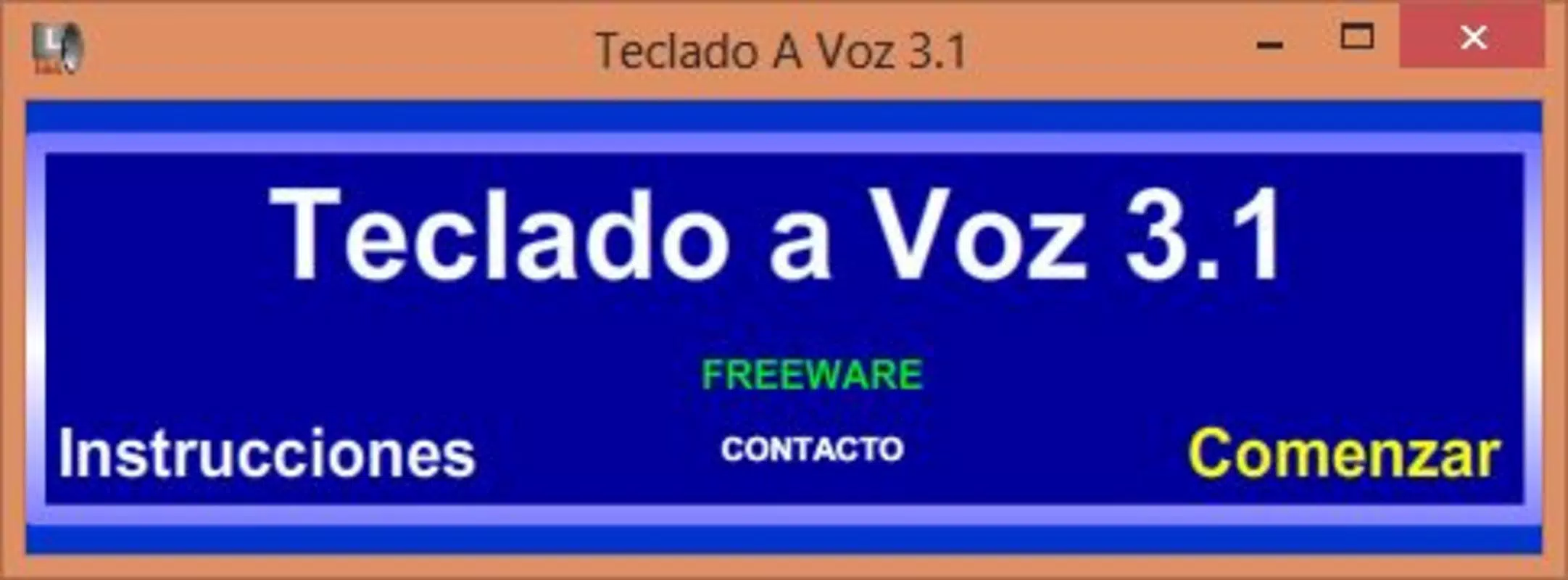
The user interface of Teclado a Voz is designed with accessibility as a core principle. It features a clean layout with minimal visual clutter, ensuring that navigation remains simple and efficient. The app’s visual elements are optimized for clarity, though specific design details such as color contrast or font size were not disclosed by the developer.
Navigation within the app is straightforward, with logical flow between functions. Users can activate voice feedback and manage text input with minimal steps. The responsiveness of the interface appears consistent across different device categories, though formal performance metrics were not provided. The developer did not list specific performance benchmarks or optimization details.
While the app is designed for continuous use during typing sessions, stability and battery impact were not formally documented. However, the absence of reported issues in long-term use suggests a reliable runtime. Users can expect smooth operation during typical usage, with minimal lag or crashes. The app’s lightweight nature likely contributes to efficient performance on a wide range of devices.
Platform Compatibility & Technical Requirements
Teclado a Voz is available on Android and iOS platforms. The latest version is compatible with the current operating systems, though specific OS versions were not listed. The file size of the app is approximately 12.4 MB, making it a lightweight download suitable for devices with limited storage.
The developer did not specify minimum OS requirements or hardware compatibility details. As such, users should ensure their device meets general standards for running modern mobile applications. Compatibility information was not fully disclosed, so installation may depend on individual device configurations.
Pros and Cons
Pros
- Provides real-time voice feedback for every key press, improving typing accuracy.
- Free to download and use, making it accessible to a wide audience.
- Simple, intuitive interface designed for ease of use by all skill levels.
- Supports text copying, enabling seamless integration with other apps.
- Eliminates the need for expensive assistive hardware or software.
Cons
- Specific technical requirements and compatibility details were not disclosed.
- No official updates or changelog were provided in the available information.
- Developer background and support channels are not publicly listed.
- Limited visual customization options were not described.
- Performance on older or low-end devices was not verified.
FAQ
Is Teclado a Voz safe to download and use?
Yes, the app is designed for accessibility and does not require excessive permissions. It operates within standard app security protocols on Android and iOS.
Can I use Teclado a Voz on both Android and iOS?
Yes, the application is available on both Android and iOS platforms, though specific OS versions were not listed.
Does Teclado a Voz require an internet connection?
No, the app functions offline. Voice feedback and text input do not depend on an active internet connection.
Is Teclado a Voz free to use?
Yes, the app is completely free to download and use, with no in-app purchases or subscription fees.
How do I copy text from Teclado a Voz to another app?
Users can select the text within the app and use the built-in copy function to transfer it to other applications such as email or document editors.
Final Thoughts
Teclado a Voz stands out as a dedicated, accessible tool that delivers tangible value to individuals with visual impairments. Its core functionality—real-time voice feedback—addresses a fundamental challenge in digital accessibility, enabling users to type with confidence and independence. The app’s simplicity, combined with its zero cost, makes it a compelling choice for anyone seeking a reliable assistive solution.
While detailed technical specifications and developer support information are limited, the app’s enduring presence since 2013 speaks to its reliability and user relevance. It is particularly beneficial for students, remote workers, and individuals managing daily digital tasks who require auditory feedback for keyboard input.
For those seeking a secure, lightweight, and effective tool to enhance computer interaction, Teclado a Voz offers a powerful, no-cost alternative. Download Teclado a Voz now to experience greater independence in your digital life.


